Examples
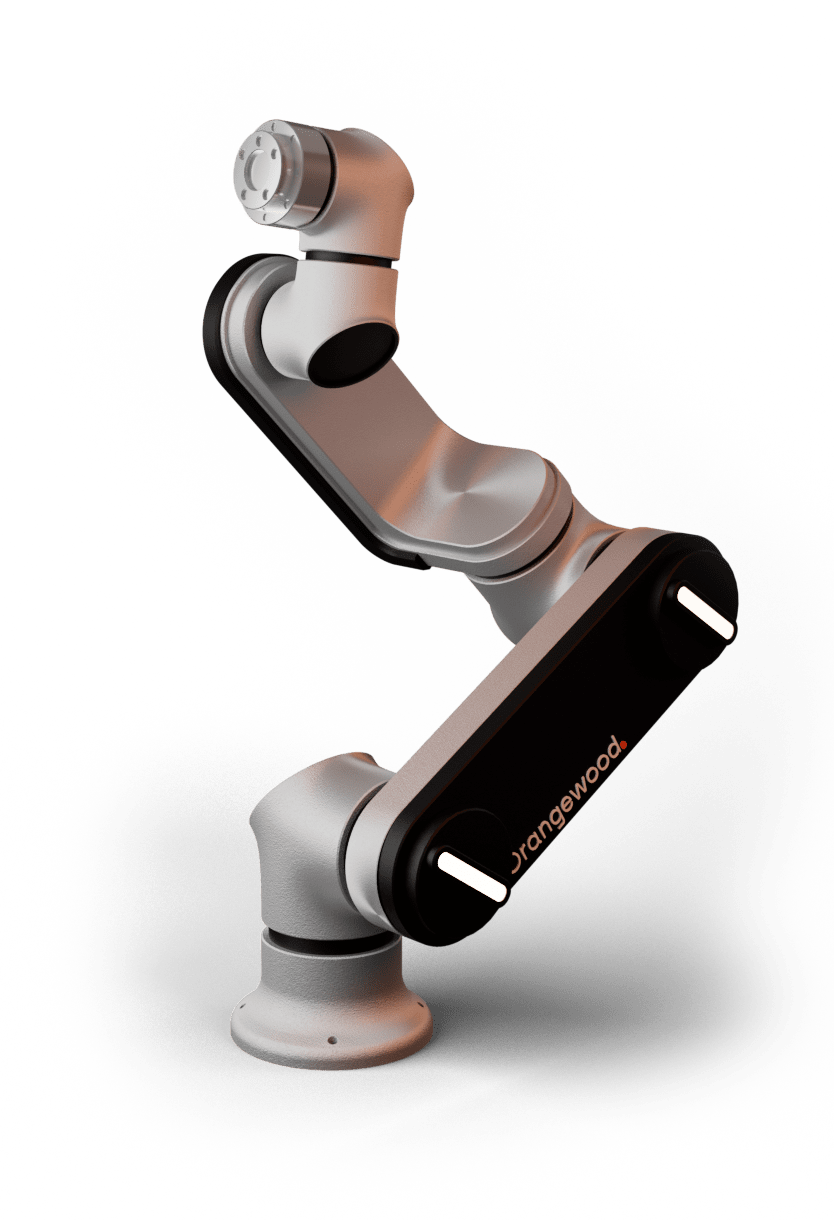
This section contains examples of how to use owl python client to operate OWLRobot.
Warning
Please ensure that the movements demonstrated in these examples are thoroughly verified for collision avoidance and safety before executing them on the robot. When uncertain, it is advisable to visually inspect the motion beforehand.
Basic Example
Simple example using the python client would be to connect to the OWLRobot and get the current joint angles of the robot.
First setup is to create a client object from OwlClient class.
from owl_client import OwlClient

owl_robot_ip = "10.42.0.54" #static IP address of robot
client = OwlClient(owl_robot_ip)
After that, we wait until the robot is not running. Here running of the robot doesn’t specify any type of command execution, it shows that wether the robot is in any inoperable modes [not_available, power_off, error] or not.
import time

while not client.is_running():
   time.sleep(0.2)
Finally, get the current joint angles of robot by call get_joint method of the client.
while True:
    print("Current Joints : ", client.get_joint().get_joints())
    time.sleep(0.1)
Move Example
We can call move methods of owl client in two ways which is synchronously or asynchronously.
Synchronous
The following is very simple example using MoveJ where robot will go to a valid joint configuration then move back zero configuration five times in a row.
from owl_client import OwlClient, Joint
import time

client = OwlClient("10.42.0.54")
jointSpeed = 50 #degrees/sec

# Wait for robot to be available
while not client.is_running():
    time.sleep(0.2)

#create joint goals for robot

#zero configuration
zero_position = Joint()
zero_position.Base = 0.0
zero_position.Shoulder = 0.0
zero_position.Elbow  = 0.0
zero_position.Wrist1 = 0.0
zero_position.Wrist2 = 0.0
zero_position.Wrist3 = 0.0

#valid configuration
valid_position = Joint()
valid_position.Base = 0.0
valid_position.Shoulder = 0.0
valid_position.Elbow  = -1.57  #(-90)
valid_position.Wrist1 = 0.0
valid_position.Wrist2 = 0.0
valid_position.Wrist3 = 0.0

count = 0
while count < 5 :
    client.move_to_joint(zero_position, jointSpeed)
    time.sleep(1)
    client.move_to_joint(valid_position, jointSpeed)
    time.sleep(1)
    count += 1
Asynchronous
Following example will perform two asynchronous movements, first one by MoveJ, followed by a movement with MoveL.
Both movements are stopped before reaching the targets with move_abort.
from owl_client import OwlClient, Joint , Pose
import time

client = OwlClient("10.42.0.54")

jointSpeed = 50 #degrees/sec
toolSpeed  = 100 #mm/sec

# Wait for robot to be available
while not client.is_running():
    time.sleep(0.2)

#create joint goal for robot
joint_position = Joint()
joint_position.Base = 0.0
joint_position.Shoulder = 0.0
joint_position.Elbow  = -1.57  #(-90)
joint_position.Wrist1 = 0.0
joint_position.Wrist2 = 0.0
joint_position.Wrist3 = 0.0

#create pose goal for robot
pose = Pose()
pose.x = -0.176
pose.y = -0.240204
pose.z = 0.489203
pose.roll = 3.1376
pose.pitch = -0.087288
pose.yaw = 1.56449

#Move Joint Pose asynchronously
client.move_to_joint(joint_position, jointSpeed,wait=False)
time.sleep(1)
client.move_abort()

client.move_to_pose(pose, toolSpeed,wait=False)
time.sleep(1)
client.move_abort()
IO Example
This example will change the state of the digital output (DO) of PLC inside the OWLRobot control Box. The current PLC model used have total eight digital outputs, from which zero is dedicated to robot contractor.
Here is an example of blinking the DO2 of PLC :
from owl_client import OwlClient
import time

client = OwlClient("10.42.0.54")

digital_output_2 = 2  #DO2

# Wait for robot to be available
while not client.is_running():
    time.sleep(0.2)

while True:
    client.set_digital_output(digital_output_2, True)
    time.sleep(1)
    client.set_digital_output(digital_output_2, False)
    time.sleep(1)