owl_client.client package
Subpackages
Submodules
owl_client.client.robot module
- class owl_client.client.robot.OwlClient(host)[source]
Bases:
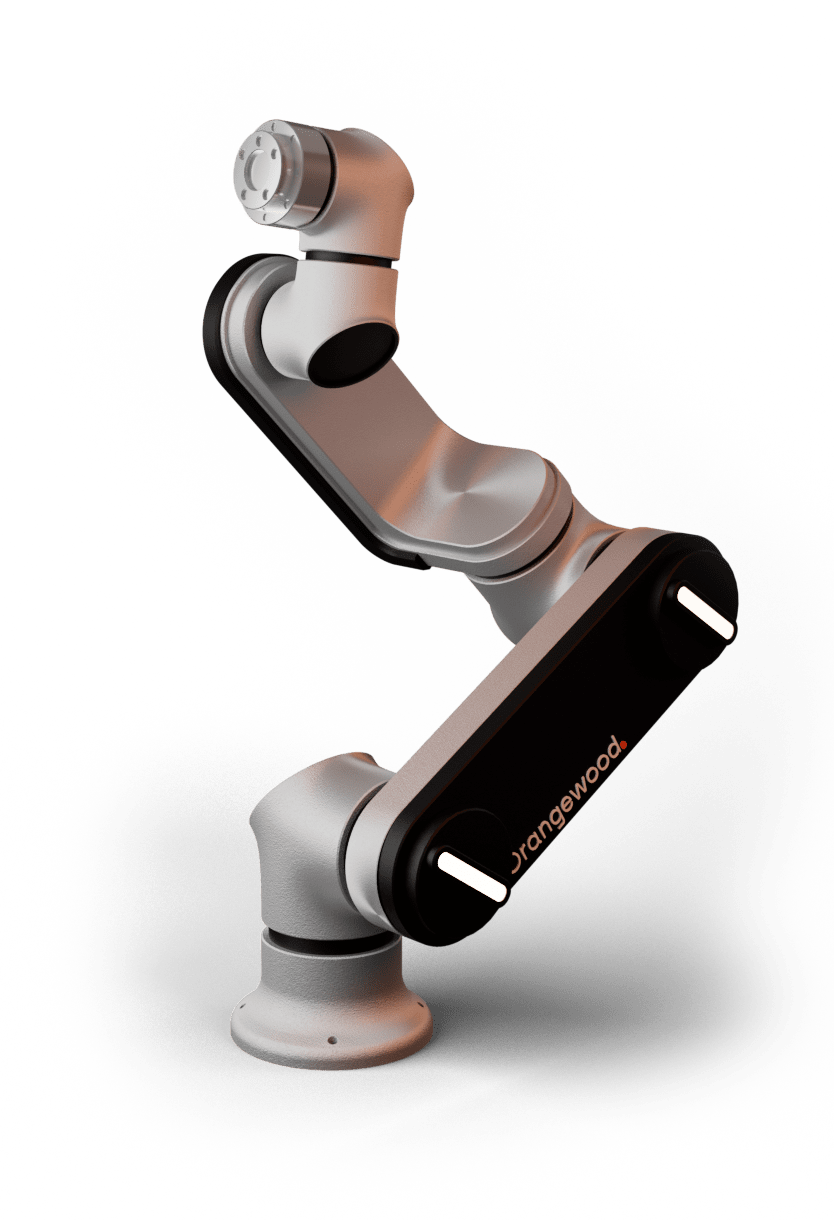
objectClass to act as client interface to interact with OWLRobot over a network(connection) recommended to use ethernet. OWLRobot running a GRPC server with a socket interface that make the robot state data available at 125Hz with no load. This client class initialise a grpc channel stub which can call the OWLRobot GRPC server functions. These GRPC calls are wrapped by this class methods that can be called from OwlClient object. A socket listener is also implemented which listen to OWLRobot state socket interface and update the state data.
- get_fk(joints: list)[source]
Call robot server to solve forward kinematics request for given joint values.
- get_ik(initial_guess: list, pose: list)[source]
Call robot server to solve inverse kinematics request for given inital guess and pose.
- get_joint(wait=True) Joint[source]
Return the current joint values of robot,wait will allow to return latest data recieved from robot.
- get_program_mode(wait=False) int[source]
Return the robot current program execution mode, wait will allow to return latest data recieved from robot.
- get_robot_mode(wait=False) int[source]
Return the robot current operational mode, wait will allow to return latest data recieved from robot.
- get_tcp(wait=True) Pose[source]
Return the current tcp values of robot,wait will allow to return latest data recieved from robot.
- move_down(z=-0.05, toolSpeed=100)[source]
Request robot server to move in down.
- Parameters:
z (float) – Translate in z direction.
toolSpeed (float) – Tool speed with which robot need to do move.
- move_process(processWaypoints: list, toolSpeed: float, refrenceAcceleration: float = 0.005, wait=True)[source]
Request robot server to do move process with desired tool speed.
- Parameters:
processWaypoints (list) – Cartesian poses to do a move process.
toolSpeed (float) – Tool speed with which robot need to do move.
refrenceAcceleration (float) – Configure the blending radius in move process planning.
wait (bool) – True will make the move call synchronouse and wait till move is completed.
- move_to_joint(jointPose: Joint, toolSpeed: float, wait=True, relative=False)[source]
Request robot server to move to goal joint with desired tool speed in joint space.
- Parameters:
joalPose (Joint) – Goal joint robot need to achieve with desired tool speed in radians.
toolSpeed (float) – Tool speed with which robot need to do move.
wait (bool) – True will make the move call synchronouse and wait till move is completed.
relative (bool) – Move relative to current robot joint.
- move_to_pose(goalPose: Pose, toolSpeed: float, wait=True, relative=False, moveType=TrajectoryPlanMode.STRAIGHT)[source]
Request robot server to move to goal pose with desired tool speed in cartesian space.
- Parameters:
goalPose (Pose) – Goal pose [x,y,z,rx,ry,rz] robot need to achieve with desired tool speed.
toolSpeed (float) – Tool speed with which robot need to do move.
wait (bool) – True will make the move call synchronouse and wait till move is completed.
relative (bool) – Move relative to current robot pose.
moveType (int) – Type of move plan need to generate for move.
- move_translate(x=0.0, y=0.0, z=0.0, toolSpeed=100)[source]
Request robot server to translate in cartesian space.
- Parameters:
x (float) – Translate in x direction.
y (float) – Translate in y direction.
z (float) – Translate in z direction.
toolSpeed (float) – Tool speed with which robot need to do move.
- move_up(z=0.05, toolSpeed=100)[source]
Request robot server to move in up.
- Parameters:
z (float) – Translate in z direction.
toolSpeed (float) – Tool speed with which robot need to do move.
- set_digital_output(digital_pin: int, digital_status: bool)[source]
Call robot server to set the level of digital output pin in PLC.
- set_gravity_vectory(g_vector: list)[source]
Call robot server to set gravity vector [gravity_x, gravity_y , gravity_z].
- set_payload(mass: float, cog: float, inertia: list)[source]
Call robot server to set the payload mass (Kgs).
- set_payload_cog(cog: float)[source]
Call robot server to set the payload centre of mass (mm) from tool mount.
- set_payload_inertia(inertia: list)[source]
Call robot server to set the payload inertia tensor (mm) [ixx , ixy , ixz , iyy , iyz , izz].